Multilingual AI Support: Why 5 of 7 Tools Fail
75% of customers want native-language support. We tested 7 multilingual AI tools — 5 broke at scale. The 2 that actually work, and what tripped them up.
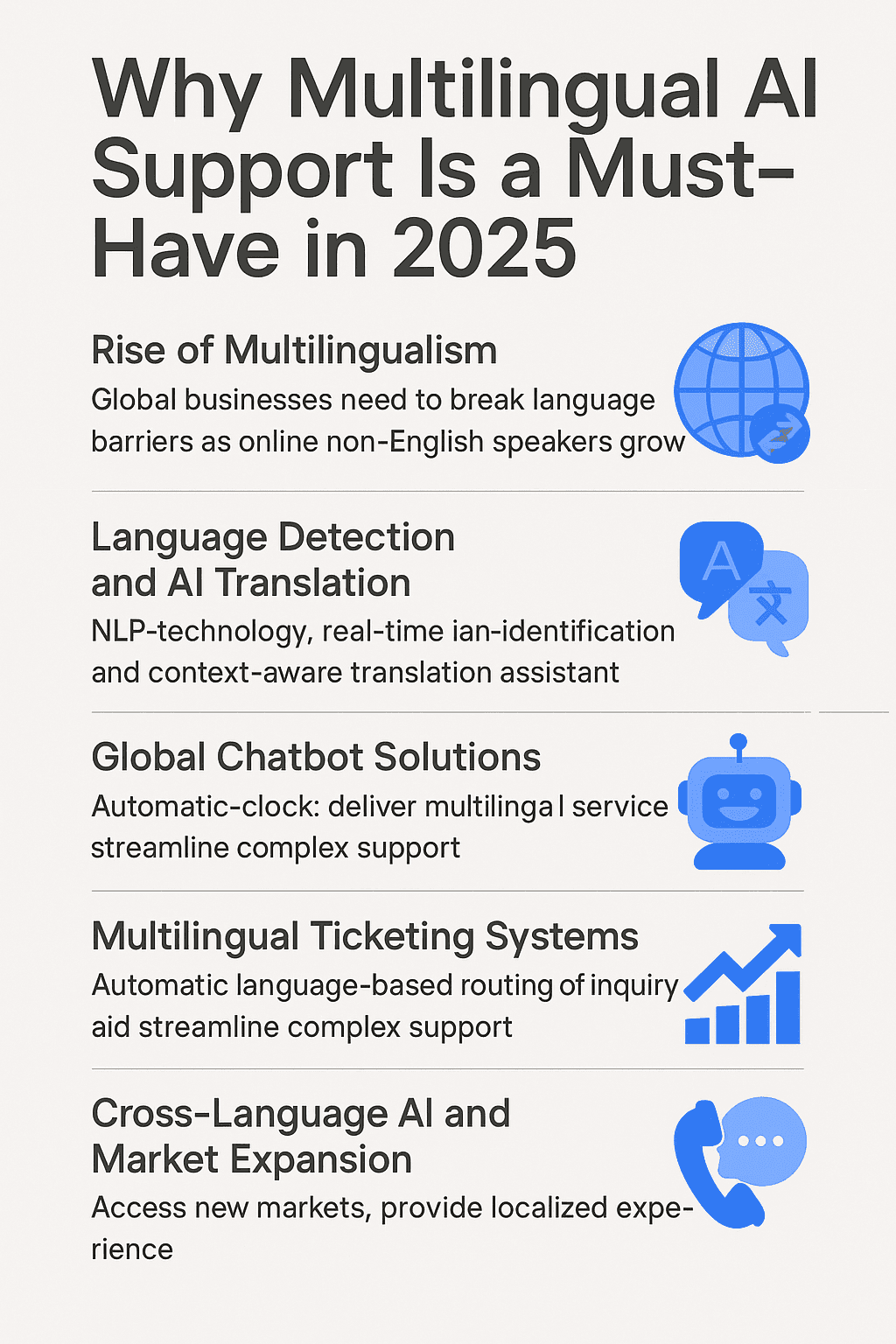
Key Takeaways
- ✓Top tools support 30–45+ languages out of the box
- ✓Language detection at intake routes correctly without asking
- ✓Content translation is the
- ✓Prioritize Spanish, French, German, Portuguese, Japanese after English
- ✓Expect AI resolution 5–10 points lower in non-English vs English
75% of customers prefer support in their native language (CSA Research). For global SaaS, ecommerce, and fintech, that's a hard requirement — not a nice-to-have. The old answer was hiring native-language agents. The 2026 answer is multilingual AI that delivers native-language support at the same cost as English-only.
This guide covers the best multilingual AI customer support tools, which languages to prioritize, and how to deploy multilingual AI in 1–2 weeks without breaking your stack.
TL;DR: Twig, Intercom Fin, and Zendesk AI all support 30+ languages with native-quality answers (not machine-translated responses). Setup takes 1–2 weeks. The hard part is content translation — if your help center is English-only, your multilingual AI will underperform until you close that gap.
Why Multilingual AI Beats Human Translation
The old model — hire a French agent, a German agent, a Portuguese agent — hit three ceilings:
- Coverage gaps. Weekends, holidays, time zones. You can't hire every shift in every language economically.
- Consistency. Different agents in different languages give different answers to the same question. Quality varies.
- Cost. Every new supported language = new hire or contractor. Doesn't scale.
Multilingual AI solves all three: coverage is 24/7 regardless of language, consistency is higher (same model answering everywhere), and incremental cost is near zero — adding Finnish support doesn't require hiring a Finnish agent.
Top Multilingual AI Customer Support Tools
1. Twig — Best for Autonomous Multilingual Resolution
Twig supports 30+ languages natively and resolves tickets autonomously with the same quality standards in every language. Because Twig uses RAG grounded in your docs, non-English support quality scales with your content — not with language-specific training.
- Languages: 30+ (Spanish, French, German, Portuguese, Japanese, Mandarin, and more)
- Best for: Global SaaS, fintech, ecommerce needing autonomous resolution in multiple languages
- Differentiator: Same resolution quality bar across all languages; no quality cliff between English and non-English
2. Intercom Fin — Best for SaaS Global Support
Intercom Fin handles 45+ languages across conversational channels. Translation quality is strong across Western European languages; weaker for Asian languages.
- Languages: 45+
- Best for: SaaS teams on Intercom with global user bases
- Pricing: $0.99/resolution regardless of language
3. Zendesk AI — Best for Zendesk Multilingual Stacks
Zendesk Advanced AI's Intelligent Triage includes language detection on every incoming ticket in 40+ languages, and Generative Replies can draft in many of them.
- Languages: 40+ for detection; 20+ for autonomous generation
- Best for: Teams already on Zendesk with global audiences
4. Unbabel — Best for Human-AI Hybrid Translation
Unbabel specializes in AI-powered human-quality translation for customer support — typically used in hybrid workflows where AI drafts and humans refine.
- Languages: 30+
- Best for: Brands that need near-human translation quality and can accept a slower SLA
5. DeepL + Zendesk / Intercom
DeepL isn't a customer support tool — it's a translation API. Some teams use DeepL to translate incoming tickets into English for their English-speaking team to answer.
- Languages: 30+
- Best for: Small teams that can't afford multilingual AI yet — stopgap solution only
Comparison Table
| Tool | Languages | Auto-resolution in non-English | Starts at |
|---|---|---|---|
| Twig | 30+ | 60–80% (varies by content) | From $49/mo |
| Intercom Fin | 45+ | 45–65% | $0.99/resolution |
| Zendesk AI | 40+ (detection), 20+ (gen) | 15–25% | $50/agent/mo |
| Unbabel | 30+ | Hybrid — humans involved | Custom |
| DeepL + human | 30+ | None (translation only) | Per character |
How to Set Up Multilingual AI Customer Support
Step 1: Audit Your Help Center
Your AI's resolution quality in any language caps at the quality of your content in that language. Audit:
- Which articles exist in English only?
- Which articles have stale translations?
- Which articles should exist in every language but don't?
If you're English-only today, translating the top 50 most-accessed help articles gets you most of the way. Don't translate your 500th least-visited article on day one.
Step 2: Prioritize Languages by Traffic
Pull your site analytics and support ticket data. For most global English-first companies, the priority order is:
- Spanish (Latin America + Spain)
- French (France, Quebec, francophone Africa)
- German (DACH region — high-paying SaaS market)
- Portuguese (Brazil — rapidly growing)
- Japanese (high-value enterprise)
Add Mandarin, Korean, Italian, Dutch based on your specific market presence.
Step 3: Translate in Priority Order
For each priority language:
- Top 10 most-accessed articles — professionally translated or high-quality AI translated + human-reviewed
- Product docs — AI translation + quality pass
- Policy / legal pages — always human-reviewed (translation errors are liability)
Step 4: Configure Language Detection at Intake
Every incoming ticket should be auto-detected for language at the first message. Top tools do this natively. Route to the correct AI agent or human queue based on detected language.
Don't ask the customer to select their language. Auto-detect.
Step 5: Deploy and Monitor
Pilot one non-English language first. Monitor:
- Resolution rate in that language vs English baseline
- CSAT delta
- Escalation patterns (are certain query types underperforming in this language?)
Expand to other languages as you prove the model works.
Language-Specific Considerations
Spanish
Biggest single non-English market globally. Regional variants matter: Mexican Spanish differs from Peninsular Spanish in idiom, pricing expressions, and formality conventions. Top AI tools handle both; cheap tools don't.
French
Quebec French differs from Metropolitan French. Less critical than Spanish regional variation, but worth noting for Canadian-heavy businesses.
German
Highest-value SaaS market per capita in Europe. Customers expect formal ("Sie") register in B2B contexts. AI that defaults to casual ("du") will feel off-brand.
Portuguese
Brazilian and European Portuguese differ significantly. Brazil is the larger market for most global SaaS; optimize for Brazilian Portuguese unless your market is specifically Portugal/PALOP.
Japanese
Customers expect very high formality and apology conventions. Japanese-speaking customers often rate AI support lower on CSAT than Western customers even when resolution is correct. Factor this into expectations.
Chinese (Mandarin)
China-specific considerations (Great Firewall, local cloud hosting requirements) often mean a separate AI deployment for the China market. Taiwan / Hong Kong / Singapore have different preferences.
Common Pitfalls
- Treating translation as a one-time project. Translations go stale. New products, pricing changes, policy updates need translation too. Budget ongoing.
- English quality ≠ non-English quality. A 70% resolution rate in English often drops to 55–65% in Spanish or German. Plan for this; don't be surprised.
- Not translating error messages and UI strings. AI can translate help articles, but if your product's error messages are English-only, multilingual support fails when customers copy-paste errors.
- Skipping human review for legal / compliance content. AI-translated legal text is a liability. Always human-review.
- Assuming auto-detect is always right. It's right 95%+ of the time, wrong on short messages or mixed-language users. Allow customers to override.
What to Expect: Real Benchmarks
- Resolution rate in non-English: 5–10 points lower than English on average
- CSAT in non-English: On par or slightly lower than English (Japanese often a bigger gap)
- Time to deploy: 1–2 weeks for the top 5 languages with existing content
- Ongoing maintenance: 1–2 days per month per language to keep content fresh
Common questions are answered in the FAQ below.
Get your own AI Receptionist now
Free 15-day trial · From $49/mo · No credit card
Frequently Asked Questions
What's the best multilingual AI customer support tool?
Twig is best for autonomous resolution across 30+ languages with the same quality bar in every language, Intercom Fin offers broader language breadth at 45+, and Zendesk AI suits teams already on Zendesk.
How many languages can AI customer support handle?
Top tools support 30 to 45+ languages natively. Coverage varies by capability, with language detection typically broader than autonomous response generation.
Scaling Multilingual AI Across 50+ LanguagesHow do you set up multilingual customer support with AI?
Audit your help center content, prioritize languages by traffic, translate top articles in priority order, configure language detection at intake, pilot one language first, then expand as you prove the model works.
Implementing Multilingual AI Support SystemsIs AI translation good enough for customer support?
For conversational responses grounded in translated help content, yes. For legal or compliance content and highly nuanced cases, always keep a human in the loop to review.
Multilingual Support for Global FintechWhat languages should I prioritize for support?
For most English-first global companies, prioritize Spanish, French, German, Portuguese, and Japanese in that order. Add others based on your specific market presence and ticket volume data.
Related Pages
Weekly AI CX insights
How leading support teams deploy autonomous AI. One short email a week.
Related Articles
Decagon vs Sierra vs Twig: Which Is Most Secure?
Twig attaches source attribution and audit trails to every answer. Decagon and Sierra rely on enterprise controls. Which AI support is most trustworthy?
5 min readDecagon vs Sierra vs Twig: Best Helpdesk Coverage?
Twig connects 30+ data sources and runs across helpdesks. Decagon and Sierra favor custom enterprise stacks. Which has the best integration coverage?
5 min readDecagon vs Sierra vs Twig: Which Fits Mid-Market?
Decagon and Sierra are built for enterprise floors. Twig serves SMB and mid-market with no minimums. Which AI support platform fits a smaller team?
5 min read